Forgot Raja Game Login Password? Reset in 2 Minutes
Fast-paced digital world, igaming platforms like Raja Game have become increasingly popular. Millions of users enjoy their favorite games and engage in exciting challenges every day. However, one of the most common problems faced by players is forgetting their login password. Losing access to your account can be frustrating, especially when you’re eager to continue playing.
Table of Contents
Why Password Reset is Crucial
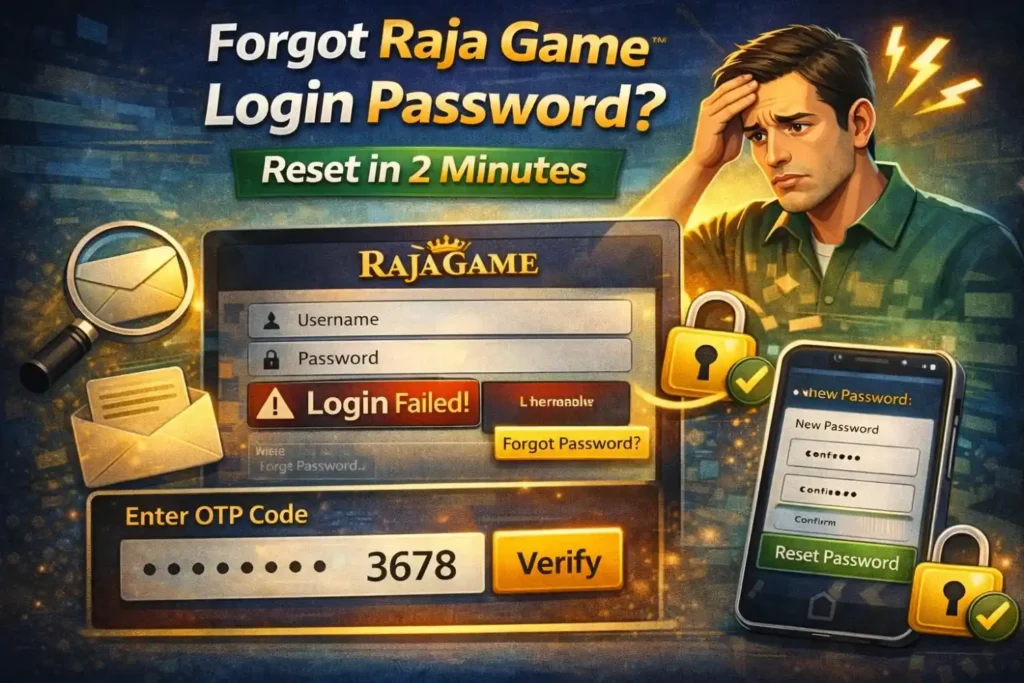
Passwords are not just a key to your account—they are a safeguard for your personal information, game progress, and financial transactions on igaming platforms. Forgetting your password can temporarily lock you out of your account, but resetting it immediately is essential for several reasons.
Firstly, a quick password reset prevents unauthorized access. Cybersecurity threats are common in online gaming, and delayed action can make your account vulnerable. Secondly, it ensures you do not lose your game credits, rewards, or achievements accumulated over time. Finally, a smooth password reset maintains your gaming continuity, so you can return to your favorite games without interruption.
Step-by-Step Guide: How to Reset Your Raja Game Password
Resetting your Raja Game password is straightforward. Follow these detailed steps to regain access in just a couple of minutes.
Step 1: Visit the Official Raja Game Website
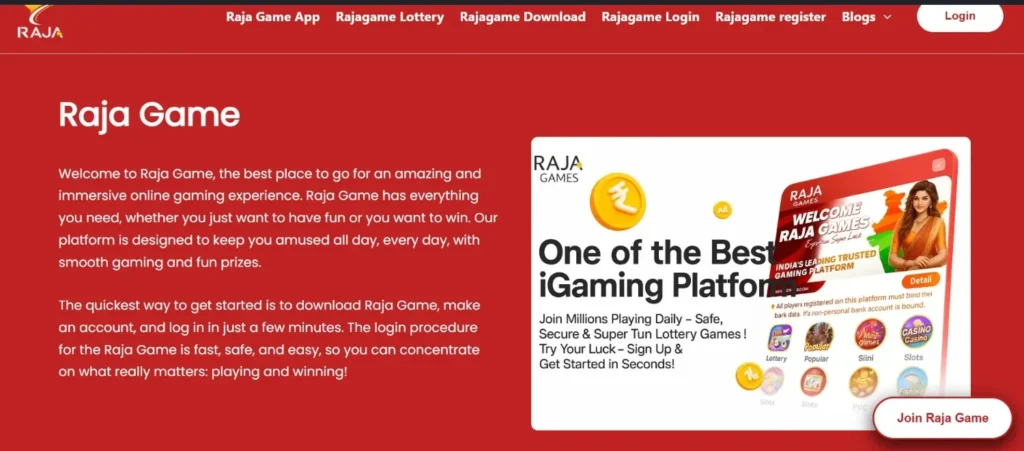
Start by opening your preferred browser and navigating to the official Raja Game login page. It’s important to verify that the website is secure. Look for HTTPS in the URL to ensure that your data is protected. Using third-party or unverified sites can compromise your account security, so always stick to the official platform.
Step 2: Click on “Forgot Password?”
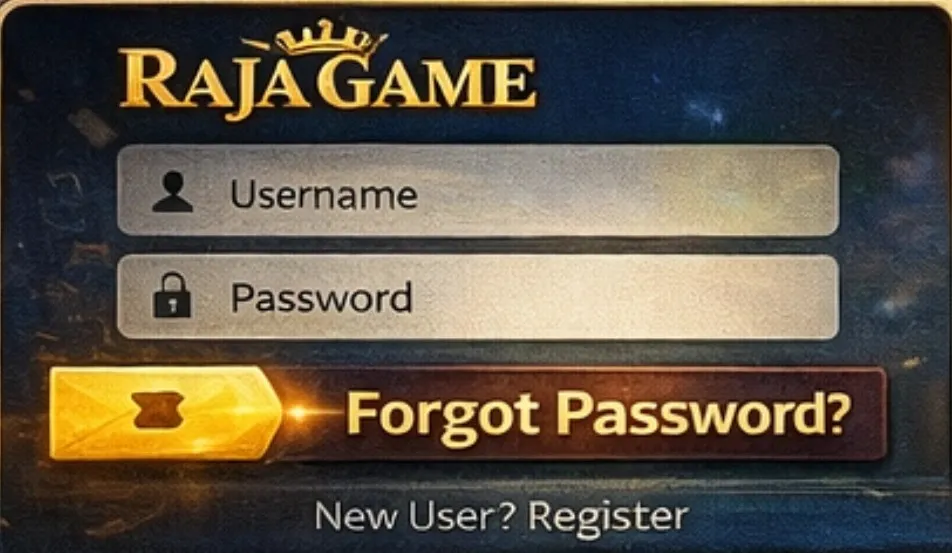
Once on the login page, locate the “Forgot Password?” link below the login form. This feature is designed specifically for users who cannot remember their password. Clicking this link will direct you to the password recovery page, where you can initiate the reset process.
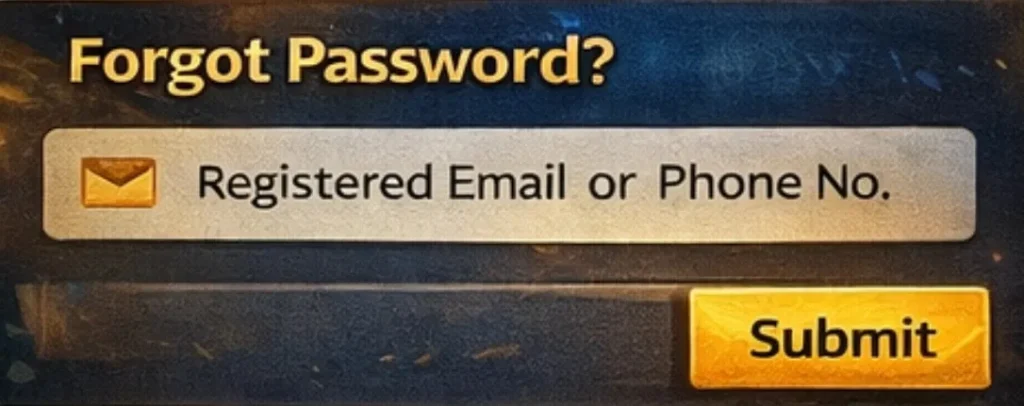
Step 3: Enter Your Registered Email or Phone Number
On the recovery page, you will be asked to enter the email address or phone number linked to your Raja Game account. It is crucial to enter accurate information here. If the details do not match the ones in Raja Game’s database, the system will not allow you to reset your password. Always double-check your input to avoid delays.
Step 4: Verify Your Identity with OTP
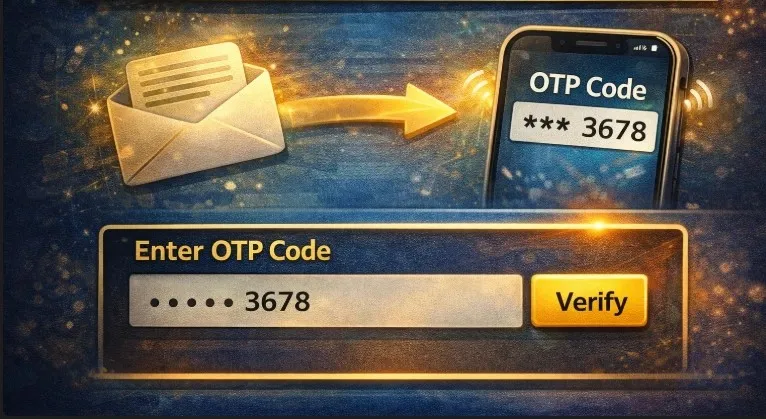
After submitting your email or phone number, Raja Game will send a One-Time Password (OTP) to your registered contact method. Enter this OTP in the provided field. OTP verification ensures that only the legitimate account owner can reset the password. This step adds an extra layer of security, preventing unauthorized access even if someone knows your login credentials.
Step 5: Create a New Password
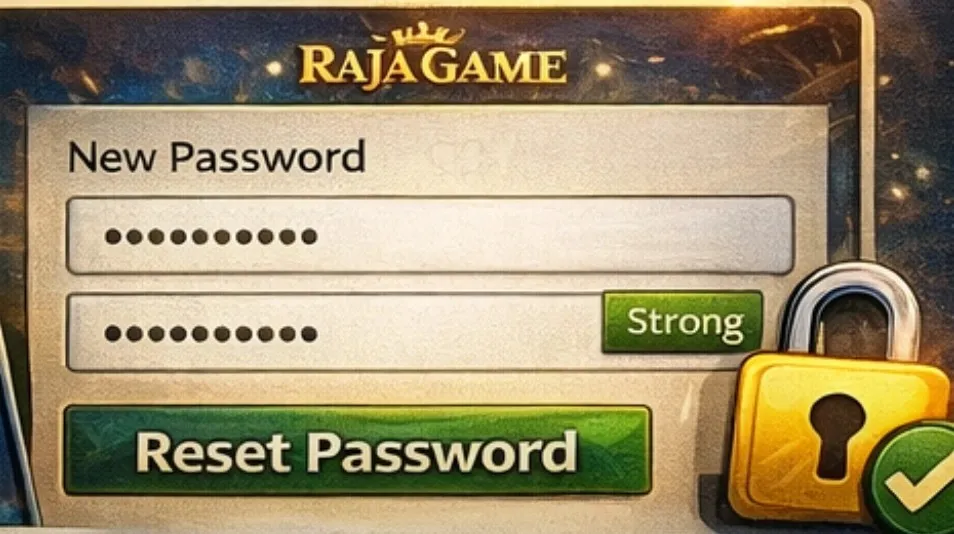
Once verified, you will be prompted to create a new password. Choose a combination of uppercase and lowercase letters, numbers, and symbols to make it strong and secure. Avoid using easily guessable information like your name, birthday, or simple sequences such as “123456.” Confirm the new password, submit it, and your account will be ready for login again.
Tips for a Strong Password
While creating a new password, keep the following tips in mind:
- Use a mix of letters, numbers, and special characters.
- Make it at least 8-12 characters long.
- Avoid repetitive or predictable patterns.
- Change your password periodically for added security.
Following these tips ensures that your Raja Game account remains safe from unauthorized access and potential hacks.
Common Problems During Password Reset
Even with a simple process, users sometimes face minor issues while resetting their passwords. Understanding these challenges can help you troubleshoot quickly.
OTP Not Received: Sometimes, the OTP may not arrive immediately. Check your spam or junk email folder if you are using email verification. If it’s not there, request a new OTP. Ensure your phone has good network connectivity if you are using SMS verification.
Incorrect Email or Phone Number: Entering wrong details is a common issue. Double-check the email or phone number registered with Raja Game. If you have recently updated your contact details, ensure that you use the latest ones.
Technical Glitches: Occasionally, browser or server-related issues may prevent password reset. Clearing your browser cache or trying a different browser or device can resolve most problems.
By being aware of these potential challenges, you can quickly regain access without unnecessary frustration.
Why Choosing Raja Game’s Password Reset is Reliable
Raja Game ensures a fast, secure, and user-friendly experience for all its users. The password reset process is designed to be intuitive even for beginners. With OTP verification, secure protocols, and multiple recovery options, the platform prioritizes account safety. Raja Game provides support via email or phone, making it easy to resolve any lingering issues. Whether you are using a smartphone, tablet, or desktop, the process remains smooth and consistent.
Best Practices to Avoid Future Password Problems
To reduce the chances of forgetting your password again, you can follow a few best practices:
- Use a Password Manager: Tools like LastPass or 1Password securely store your passwords.
- Keep Backup Email/Phone: Always have updated contact information linked to your account.
- Regularly Update Passwords: Change passwords periodically to maintain security.
- Avoid Public Wi-Fi: Logging in via public networks increases vulnerability to hacking attempts.
These practices not only help prevent login issues but also strengthen your overall online security.
Conclusion
Forgetting your Raja Game login password doesn’t have to be a stressful experience. With the step-by-step process outlined above, you can reset your password in just 2 minutes, regain access to your account, and continue enjoying uninterrupted gaming.
Always remember to follow the OTP verification steps carefully and create a strong, secure password to protect your account. By practicing good password hygiene and following Raja Game’s recovery process, you can maintain the security of your account while enjoying a seamless igaming experience.
FAQ – Forgot Raja Game Login Password?
Q1. How can I reset my Raja Game login password?
A: Visit the official Raja Game website, click on “Forgot Password?”, enter your registered email or phone number, verify using the OTP sent, and set a new password. The entire process takes about 2 minutes.
Q2. What if I don’t receive the OTP?
A: If the OTP doesn’t arrive, check your spam/junk folder for email verification. For SMS, ensure your phone has proper network coverage. You can also request a new OTP.
Q3. Can I reset my password without my registered email or phone number?
A: No. You must have access to either your registered email or phone number to complete the password reset process securely.
Q4. How do I create a strong password for my Raja Game account?
A: Use a mix of uppercase and lowercase letters, numbers, and special characters. Avoid using personal information like birthdays, names, or repetitive sequences such as “123456.”
Q5. Is it safe to reset my password on public Wi-Fi?
A: It’s recommended to use a secure and private network when resetting your password to avoid potential hacking attempts or data interception.