Rajagame Forgot Password? Step-by-Step Password Reset Guide
For most users, losing access to an online account isn’t just a small inconvenience—it feels like everything gets stuck at once. You want to log in, check your balance, play a quick round, or verify details, but the moment the password doesn’t work, the session ends right there. If you’re searching for “Rajagame forgot password”, you’re in a very common situation, and it happens with thousands of users every week across platforms like Raja Game.
The good thing is that password recovery on Raja Game is not complicated. In fact, the reset process is designed to be quick because the platform understands a simple truth: users forget passwords, change phones, update SIM cards, or accidentally store wrong passwords in browsers. That’s why the “Forgot Password” feature exists—and when used correctly, it can restore your raja game login access within minutes.
But here’s the catch: most people don’t fail because the system doesn’t work. They fail because of small issues like OTP delays, wrong registered number, blocked SMS, autofill errors, or resetting password but still typing the old one. This guide explains the exact reset steps, plus detailed troubleshooting that actually fixes problems in real situations.
If your rajagame login isn’t working today, you can use this blog like a checklist and recover your account smoothly.
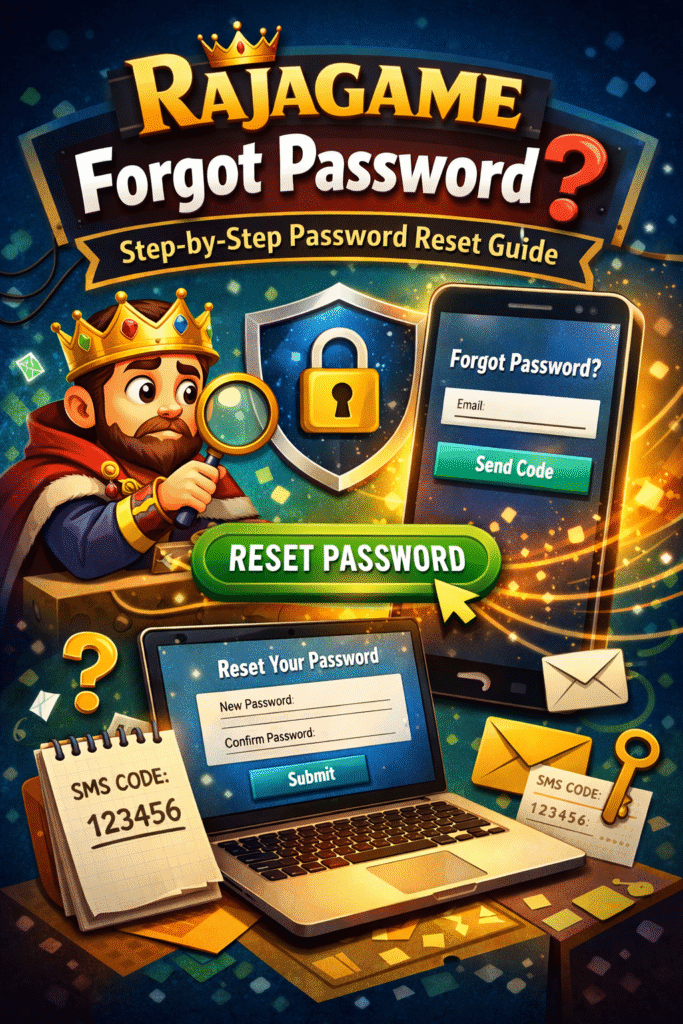
Table of Contents
Why Raja Game Password Issues Happen
Let’s start with what most people misunderstand: password failure doesn’t always mean you genuinely forgot your password. In many cases, the password is correct, but your login fails because of the way it’s being entered.
Here are the real reasons users face raja game login problems:
1) Autofill and Saved Password Problems
If your phone browser (or Chrome/Brave) saved a password earlier, it may automatically fill the wrong password. Many users don’t notice this and keep trying again—leading to failed login attempts.
2) Number Confusion (Wrong Registered Mobile)
A lot of users have two numbers. The problem is simple: you attempt rajagame login using one number, but the account is registered with another.
This is also why OTP sometimes doesn’t arrive—because it’s being sent to your other number.
3) Typing Mistakes
It sounds basic, but it’s extremely common:
- extra spaces
- wrong digits
- password typed with caps lock on
- keyboard suggestions interfering
4) Password Changed Earlier
Sometimes users reset their password once and later forget they changed it. They keep using the old password thinking it should work.
5) Technical Browser/App Cache Issues
If your browser cache is outdated, login page buttons sometimes don’t work smoothly. Clearing cache often solves issues instantly.
If you want a complete guide on login access and fixes, this internal page can help:
Raja Game Login – Complete Guide & Fix Common Issues
Quick Checks Before You Reset Password
Before you click “Forgot Password,” do these checks. It’s a smarter move because sometimes the reset is not even needed.
Check 1: Confirm Your Registered Number
If you registered using the number linked to UPI/bank, use that. Raja Game usually sends OTP to the same registered number.
Check 2: Remove Autofill
Delete the saved password suggestion and type manually.
Check 3: Try Another Browser
If login page is glitching:
- open in Chrome
- avoid heavy browsers with VPN
- refresh and retry
Check 4: Ensure Stable Network
OTP systems are sensitive to network strength. If your connection is weak, OTP delivery can delay.
If you’re new and want to understand how registration + login works overall, refer:
Raja Game Register and Login: Easy Steps
Rajagame Forgot Password: Step-by-Step Reset Guide
Now let’s do the actual process.
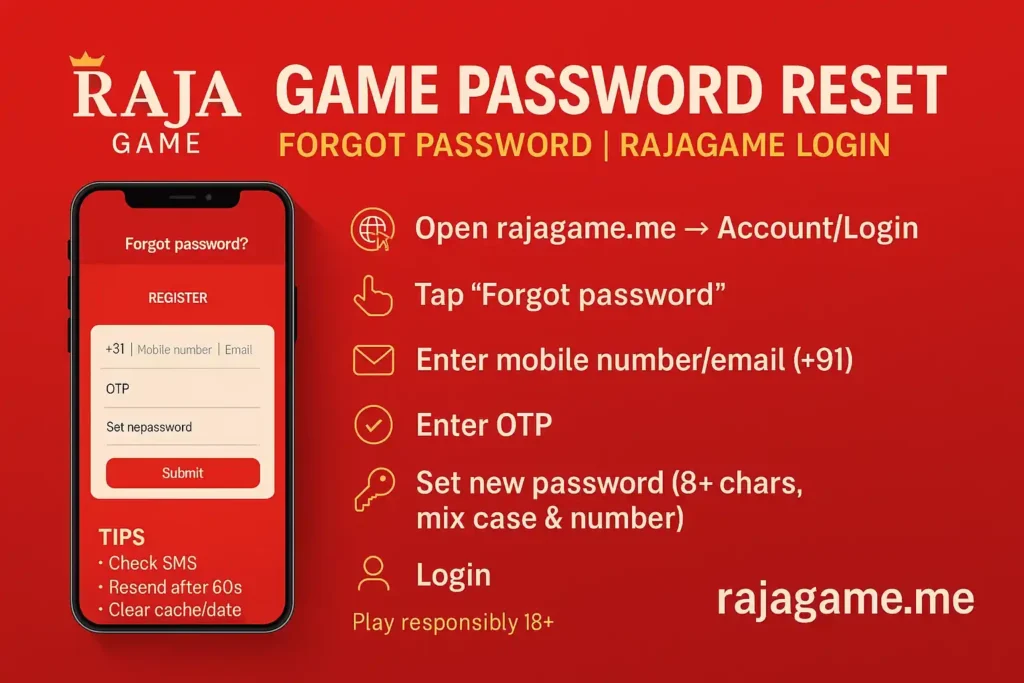
Step 1: Open Official Rajagame Login Page
Go to the official Raja Game website and open the login page.
If you want a broader overview of the platform itself:
Raja Game Official Page
Step 2: Tap “Forgot Password?”
On the rajagame login screen, you’ll see the Forgot Password option.
Step 3: Enter Registered Mobile or Email
Type the exact mobile number/email used during registration.
Pro tip: Don’t copy-paste your number from notes. Manual typing reduces hidden spaces.
Step 4: Request OTP
Click Submit / Continue and wait for the OTP.
Step 5: Verify OTP Correctly
Enter OTP exactly.
Very important: OTP is time sensitive. If you request OTP twice, the first one becomes invalid.
Step 6: Create a New Password
Set a password that you can remember but is hard to guess.
Step 7: Login Again with New Password
Go back to raja game login and sign in.
For a dedicated guide specific to reset:
Raja Game Password Reset Guide
OTP Not Received? Real Fixes That Work
This is the part that users struggle with the most.
Fix 1: Wait 60 Seconds Before Resending
Many users panic in 10 seconds and resend OTP. That only delays the process. Wait at least a minute.
Fix 2: Switch Network Mode
Try these:
- Wi-Fi → mobile data
- mobile data → Wi-Fi
- toggle airplane mode for 10 seconds
Fix 3: Check SMS Block/Spam Folder
Many Android devices auto-filter OTP messages.
Fix 4: Restart Phone
Restarting refreshes network registration. It works surprisingly often for OTP problems.
Fix 5: Avoid VPN
VPN can slow or reroute SMS verification flow.
If OTP issue continues, Raja Game support helps here:
Raja Game Support – 24/7 Help & FAQ
Reset Done But Still Can’t Login? Solutions
Problem 1: Password Reset Successful But Login Fails
This often happens due to saved passwords. Fix:
- delete saved password
- retype new password manually
Problem 2: “Account Not Found”
This usually means wrong registered number/email. Try alternate number used earlier.
Problem 3: “Too Many Attempts”
Some platforms temporarily restrict after multiple failed logins. Wait and retry later.
How to Create a Strong Raja Game Password
A strong password isn’t only for security—it also reduces reset frequency.
Best Password Rule (Simple and Strong)
Use:
- 12+ characters (longer is safer)
- mix of letters + numbers
- 1 special symbol
Example:
- RajaGameLogin@2026
- Rajagame#SafePlay88
CERT-In also recommends using strong passwords and better cyber hygiene practices.
CERT-In strong password guidance
Conclusion
However, once you lose the password, it is annoying, although it does not mean that you cannot log in to your raja game account. The recovery of password in rajagame should be fast, secure and user friendly particularly when you take the right precaution on the official site of raja game login. Also, in the majority of situations, it does not take much time to reset your password: enter your registered mobile/email, verify the OTP, and generate a strong but easy to memorise password.
In case of no OTP or the rajagame login still not working despite the reset, it is normally some technical problem, which could be difficult without an effective network signal, blocked SMS, browser cache issues or autofills passwords. After regaining access, wait to enhance your account security by not reusing passwords, not sharing any OTP, and accessing only official Raja Game pages. It is an easy practice that can be used to avoid future issues with repeated logins.
Frequently Asked Questions
Q1. How can I reset Raja Game password quickly?
Use the “Forgot Password” option on rajagame login, verify OTP, and create a new password.
Q2. What if OTP doesn’t come during Raja Game reset?
Switch network, wait 60 seconds, check spam/blocked SMS, and avoid repeated resend attempts.
Q3. Can I recover rajagame login without OTP?
No. OTP is required for security. You need access to your registered number/email.
Q4. Why does raja game login still fail after resetting password?
Usually due to autofill, typing mistakes, cache issues, or using a different registered number.
Q5. How do I keep my Raja Game account secure?
Use a strong password, don’t share OTP, and avoid logging in from unknown devices.